







You can improve your Bolt+ mobile experience by installing the web app
Dedicated iOS and Android apps are in the works at Bolt+, but there’s another way to get into the awesome live streams and rich content while you’re on the go.
You can, of course, access it via your smartphone’s web browser, which is a solid option. But this is a quick and easy tip that will turbocharge your Bolt+ smartphone experience. It gives you improved access to the live chat and the channels, and cleans up the screen to give you more visibility on what really matters; the content.
Let’s take a look.
iPhone
Launch your iPhone’s web browser (most likely Safari) and head on over to Bolt+.
Bolt+
Make sure you’re logged in. It’ll guide you through that quick and simple process if you’re not.
Tap the share icon, which looks like a box with an upward-pointing arrow.
Select “Add to Home Screen”, and if you want, you can edit the name of the app icon.
Now when you go to your iPhone’s home screen you’ll see Bolt+ in there, as if it was another one of your apps. Which it is, only it’s a web app!
Android
Same again really. Go to Boltplus.tv in your phone’s web browser. That could be Chrome, Firefox or any of the others.
Tap the three vertical dots in the top right corner to open the browser’s menu.
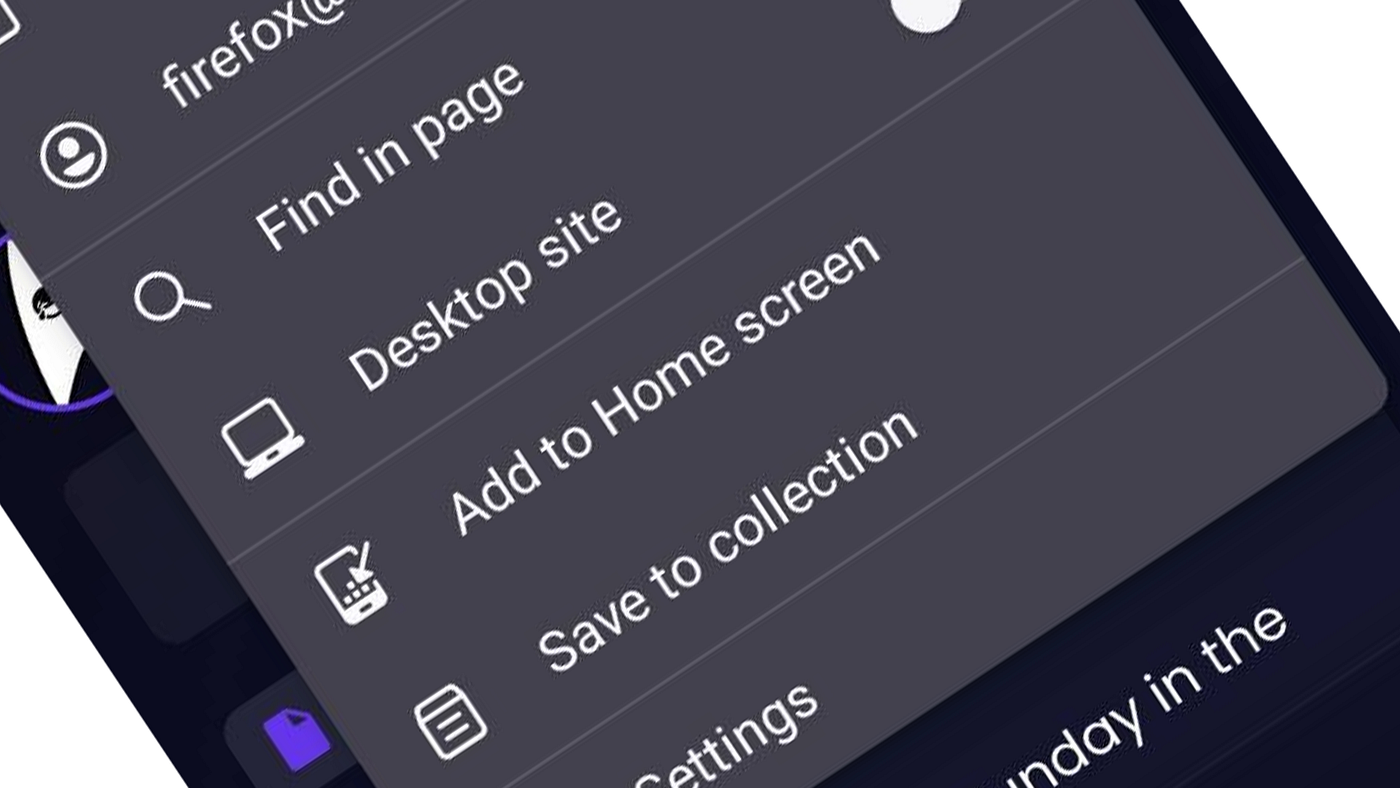
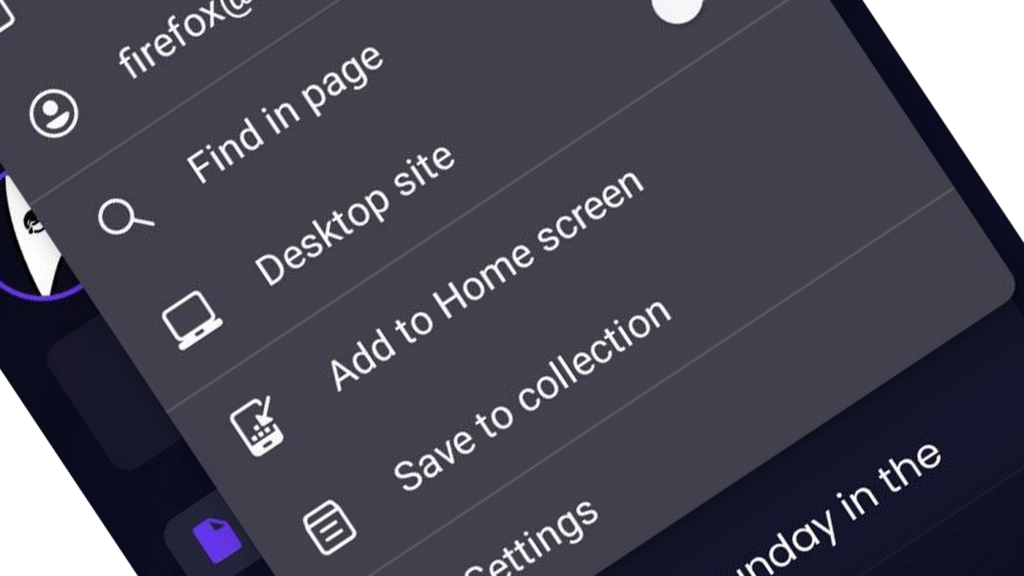
Select “Add to Home Screen”. You can then manually place the icon, or let the web browser drop it onto your home screen automatically.

That’s all there is to it! You now have a much tidier, more accessible version of Bolt+ only a tap away.
This should also work on iPads or tablets too.
And it’s particularly useful if you’re watching Bolt+ on your smart TV, as it means you can watch on the big screen, while interacting with the stream, the content creator and the rest of the channel’s community through your mobile. All from the comfort of your sofa!